

Your 2027 Benefits
Get access to everything you need. View plan documents, contact information, find providers, and search your benefits all in one place.



What You Need To Know
This year, you’ll be enrolling in your employee benefits through Prism, your HR portal.
Log in to Prism to get started and follow these steps to enroll in your benefits online:
- Select the Benefits icon on the left sidebar
- Choose Benefits Enrollment from the drop-down menu
- Begin your open enrollment elections
- On your next login, the Benefit Enrollment widget will now appear on your Home Dashboard.
Pro-tips:
✔ Click here to watch a quick video about online enrollment.
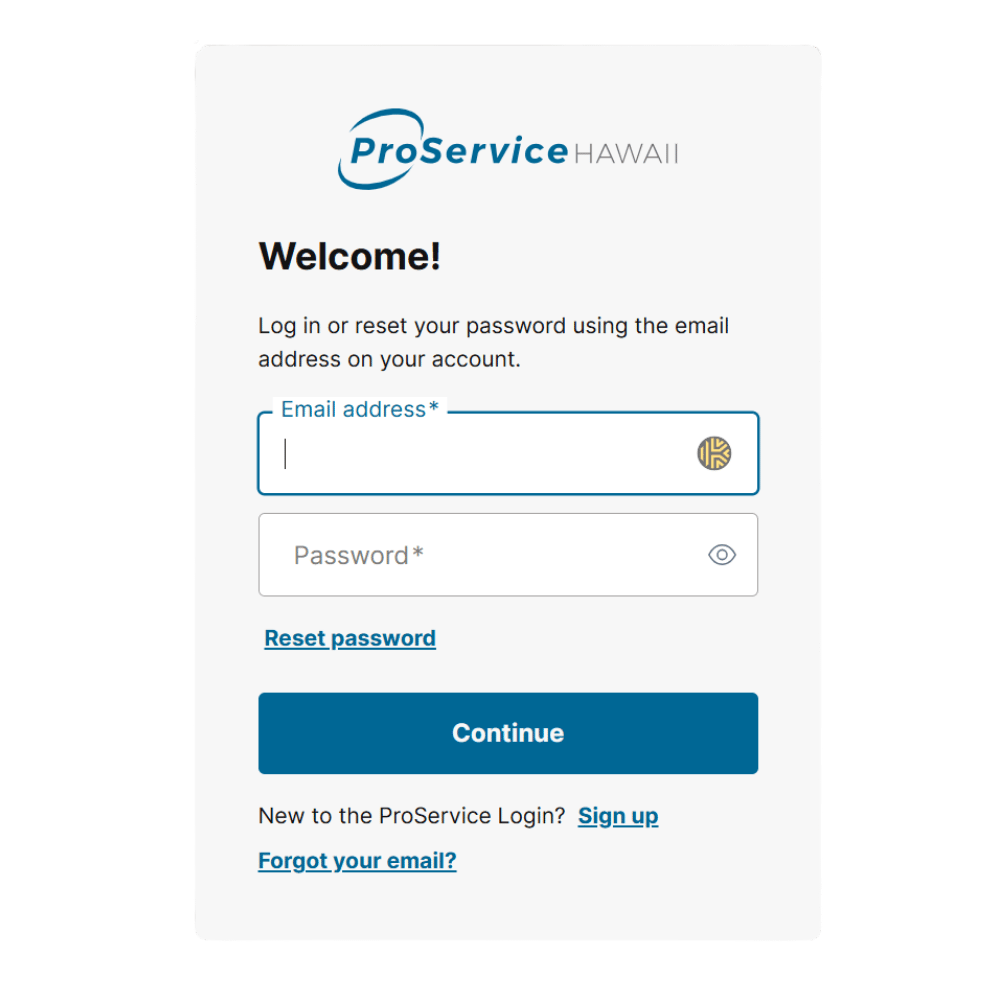
✔ Make sure you have your ProService Login ready to go!
We’ve partnered with MetLife and are pleased to offer a wide range of voluntary benefit options that offer you choice and flexibility, so you can take charge of your physical, financial, and emotional well-being.
Voluntary Benefits help to:
✔ Provide financial protection for unexpected events such as accidents, hospitalizations, serious illnesses, disability, or loss of life.
✔ Fill coverage gaps left by medical insurance and extend protection to lifestyle needs like legal help, identity theft protection, and pet insurance.
View Voluntary Benefit Options:
✔ Read the Voluntary Benefit Options page in the packet you received via mail, or
✔ Log in to Prism during your benefits enrollment period to view the specific voluntary benefit options available to you.
✔ In Prism, you’ll be able to review benefit details and rates before completing your enrollment online.
Aflac and Transamerica Life and Accident Plans
As part of our transition to MetLife voluntary benefit offerings, ProService will no longer offer Aflac plans or Transamerica Life and Accident Insurance plans starting with the 2026 plan year.
If you are currently enrolled in an Aflac plan and/or Transamerica Life or Accident Insurance plan, ProService will be mailing information directly to you with clear instructions on how to continue your coverage directly with the carrier, or transition to a similar MetLife plan.
📞 Call 808-515-5554 or schedule online
How to Enroll
This year you have the unique opportunity to enroll with the support of a professional benefit counselor. We highly recommend that you meet with a benefit counselor, so that you can learn more!
During your confidential appointment, the benefit counselor will:
✔ Answer your questions
✔ Provide detailed information
✔ Help you enroll in benefits
To schedule an appointment:
✔ Go online: proservice.com/benefit-consult
✔ Call: 808-515-5554
Consultation ID: You may be asked to provide this when scheduling your appointment. Your Consultation ID can be found on the Voluntary Benefit Options page of your mailed packet.
In addition to being able to enroll with the assistance of a benefits consultant, you can self-enroll online.
You’ll be notified via mail, email, and in Prism when your benefits enrollment period will start and end. Log in to Prism during that timeframe and you’ll be guided through the process.
💻 Learn About Online Enrollment
Follow these easy steps to get start the online enrollment process:
- Log in to Prism
- Select the Benefits icon on the left sidebar
- Choose Benefits Enrollment from the drop-down menu
- Begin your open enrollment elections
- On your next login, the Benefit Enrollment widget will now appear on your Home Dashboard.
ProService Login is our new, secure authentication portal to access Prism.
To avoid any access issues during your benefits enrollment, please take a moment to sign up (if you have not yet) or check your ProService Login access if needed.
✔ To learn more, go to proservice.com/loginhelp
✔ Or, Call for support: 808-394-4162